HP EliteBook 840 G8 vs HP EliteBook 840 G9
Our verdict
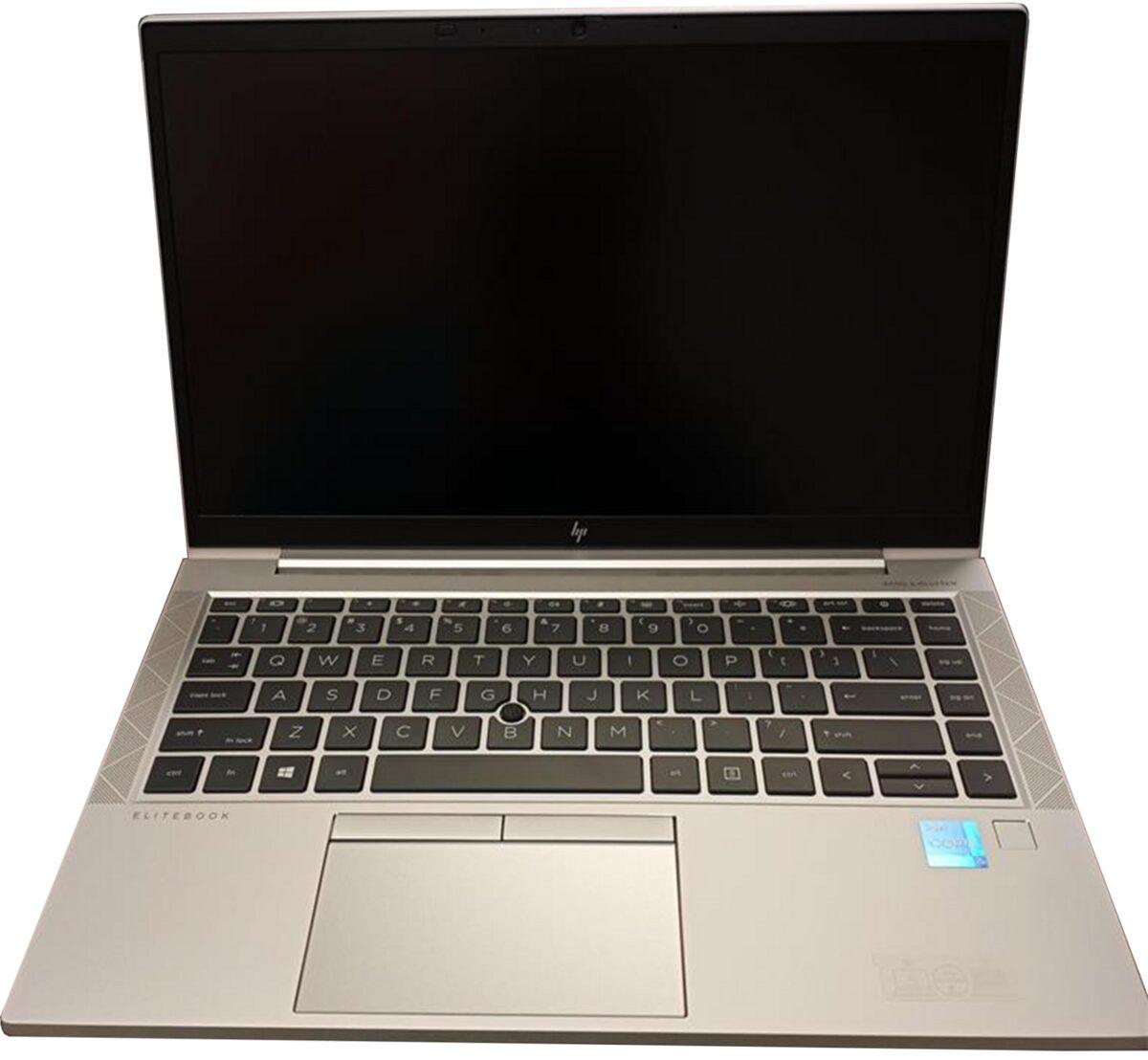
The EliteBook 840 G9 modernises the G8 where you notice it every day: a taller 16:10 WUXGA screen, a 5MP webcam and 12th-gen Intel chips, while keeping two SO-DIMM slots (now DDR5) and two Thunderbolt 4 ports. The G8 is the steadier value buy: very quiet, with a 53Wh battery, HP Fast Charge and an optional 1000-nit Sure View privacy screen. HP's G9 spec sheets list a 51Wh battery. Neither has Ethernet or an SD card reader, and HP lists a dim 250-nit G9 panel, so check which screen a unit has before you buy.
Choose the HP EliteBook 840 G8 if
- You want the lower-cost, proven option for office and study work
- You want HP Fast Charge (up to 50% in 30 minutes, per HP) on a 53Wh battery
- You want a quiet laptop and do not need a 16:10 screen or a 5MP camera
Choose the HP EliteBook 840 G9 if
- You want a 16:10 screen and a 5MP webcam for calls
- You want 12th-gen Intel chips and DDR5 memory
- You want a newer unit that may have more years of support left
What really differs
| HP EliteBook 840 G8 | HP EliteBook 840 G9 | |
|---|---|---|
| Screen | 16:9 FHD; HP lists 400-nit and optional 1000-nit Sure View panels | 16:10 WUXGA; HP lists 250-nit and 400-nit panels; Notebookcheck found slow response times |
| Webcam | 720p HD webcam with privacy shutter (IR on some units) | 5MP; the unit Notebookcheck reviewed had a sliding shutter |
| Processors | 11th-gen Intel Core | 12th-gen Intel Core; the unit Notebookcheck reviewed had a P-series i7-1280P |
| Memory | Two SO-DIMM DDR4-3200 | Two SO-DIMM DDR5-4800 |
| Battery | 53Wh | 51Wh on the HP spec sheets |
| Sustained performance | Very quiet, but the low fan ceiling limits multi-core speed | Turbo drops after the first run under sustained load (Notebookcheck) |
Specs side by side
| HP EliteBook 840 G8 | HP EliteBook 840 G9 | |
|---|---|---|
| Launched | 2021 | 2022 |
| Processor | Intel Core 11th gen | Intel Core 12th gen |
| GPU | Not stated | Not stated |
| RAM | 8GB, 16GB, 32GB | 8GB, 16GB, 32GB |
| Storage | 256GB, 512GB, 1TB | 256GB, 512GB, 1TB |
| Easy to carry | Yes | Yes |
Filled dots are the options each model came in; open dots are other sizes found elsewhere in our catalogue.
52 models, coloured by type. The year is the model's launch year in our catalogue.
Used asking prices in Malaysia
Common questions
Is the EliteBook 840 G9 worth it over the G8?
If you are on video calls a lot or read long documents, the 16:10 screen and 5MP camera are worth having. For email, documents and browsing, a G8 with 16GB and a good screen does the same job.
Can I use G8 RAM in a G9?
No. The G8 uses DDR4-3200 and the G9 uses DDR5-4800 SO-DIMM sticks. They are not interchangeable.
Do the EliteBook 840 G8 and G9 have Ethernet?
Neither has an RJ-45 port or an SD card reader (some G9 units have a smart card reader). Use a USB Ethernet adapter or a Thunderbolt dock for wired networking.
Should I buy a G9 with an i7-1280P?
Only if you need short bursts of extra speed. Notebookcheck found turbo performance falls quickly in this chassis, so a U-series chip such as the Core i7-1255U with 16GB is the practical choice.
Sources · Updated 2026-11-24
- pcb.inc.hp.com/dc/api/spec-sheet/il-en/2101115372/pdf/4L045EA.pdf
- pcb.inc.hp.com/dc/api/spec-sheet/il-en/2101127512/pdf/5Z5B5EA.pdf
- notebookcheck.net/The-HP-EliteBook-840-G8-has-one-huge-advantage-over-most-other
- learn.microsoft.com/en-us/windows-hardware/design/minimum/supported/windows-11-s
- pcb.inc.hp.com/dc/api/productsheet/eu-en/2101397110/pdf/6T130EA.pdf
- pcb.inc.hp.com/dc/api/productsheet/il-en/2101388618/pdf/6T0Y2EA.pdf
- notebookcheck.net/HP-EliteBook-840-G9-laptop-review-The-Lenovo-ThinkPad-X1-Carbo