Apple MacBook Air (M1, 2020) vs Apple MacBook Air (M2, 2022)
Our verdict
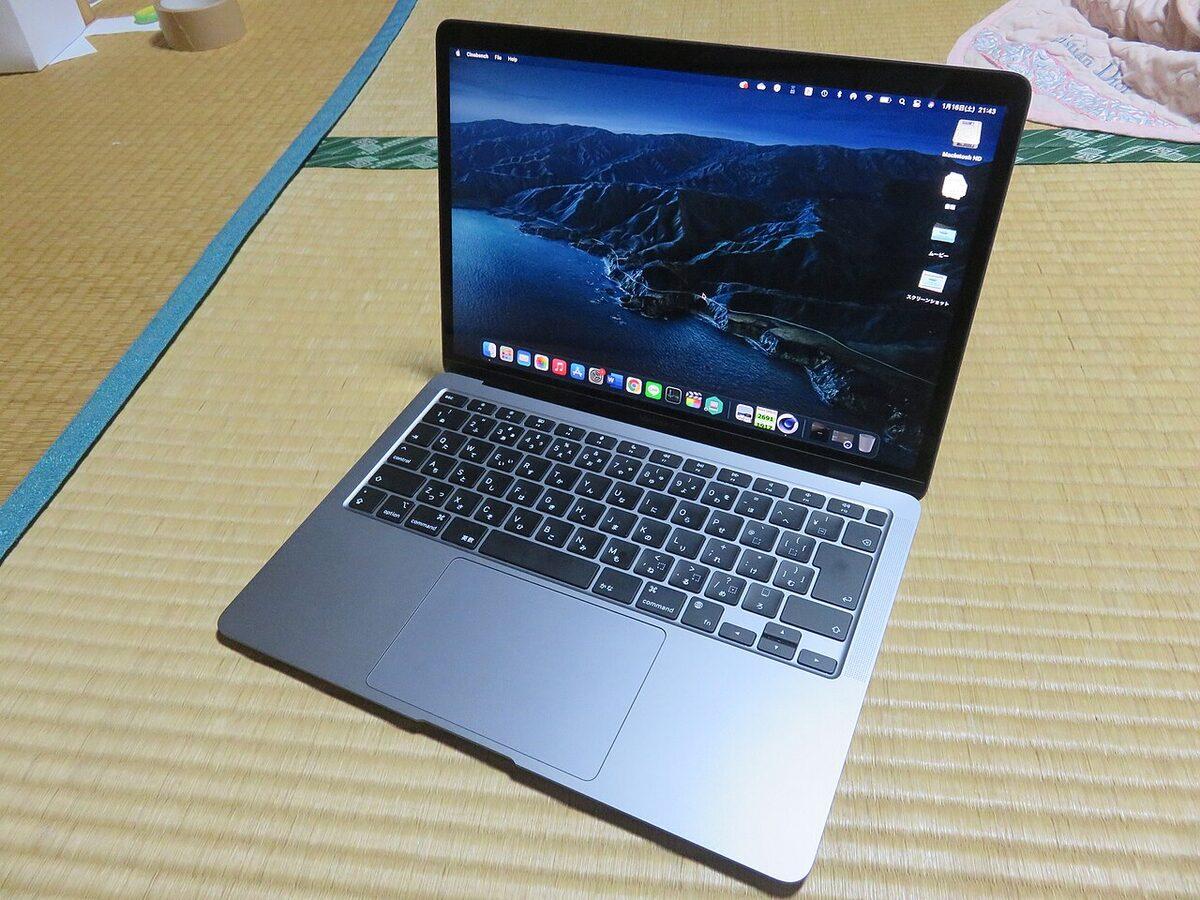
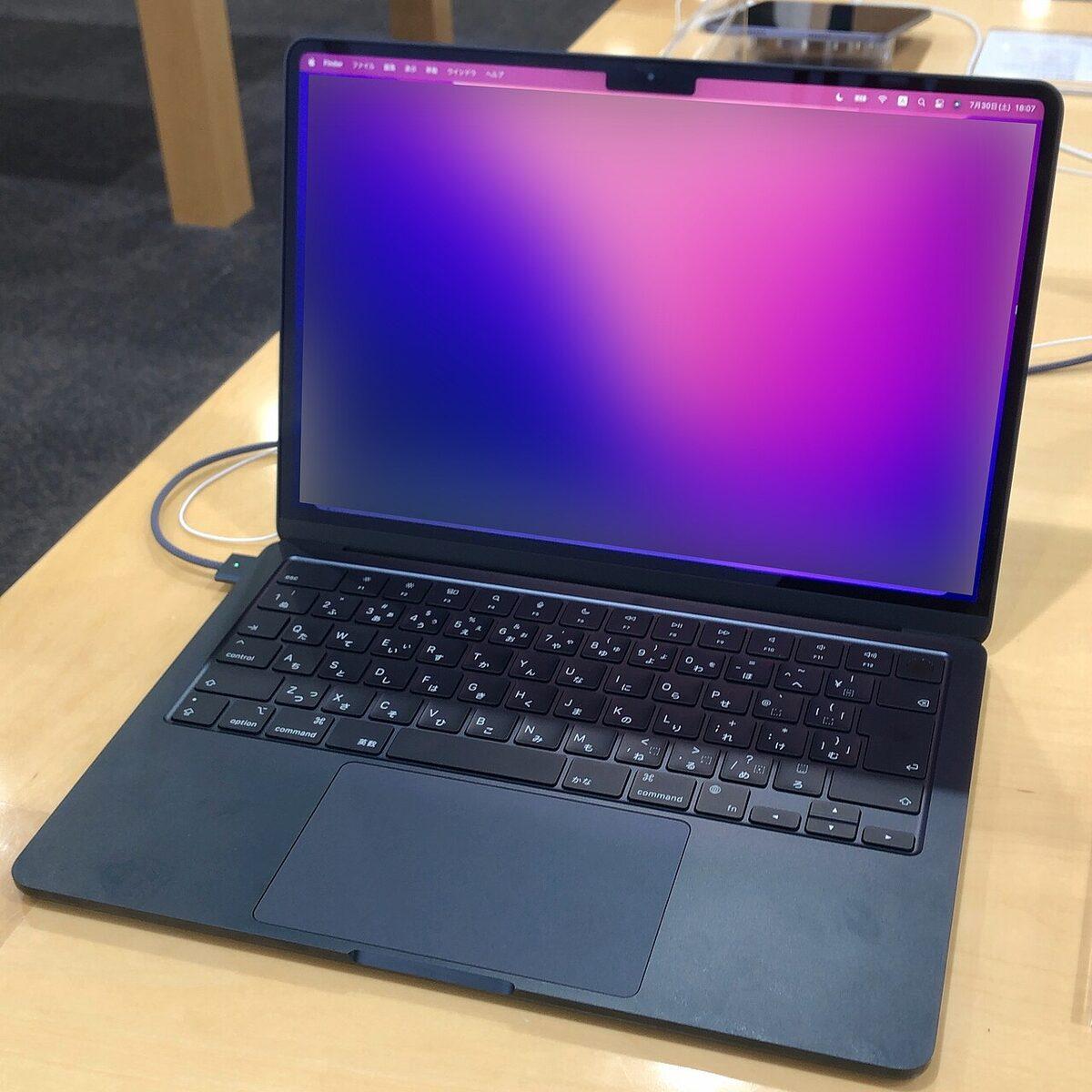
The M1 Air is still the value pick: silent, fanless, a sharp Retina screen and Apple's rating of up to 15 hours of web use, which is plenty for study and office work. The M2 Air is the nicer laptop to live with: a brighter 500-nit 13.6-inch screen, a 1080p camera, MagSafe charging and up to 24GB of memory. Neither supports more than one external display, and neither can be upgraded later, so buy the RAM and storage you need now. If you choose the M2, prefer 512GB over the slower single-chip 256GB base model.
Choose the Apple MacBook Air (M1, 2020) if
- You want one of the cheapest ways into a modern Mac for study or office work
- Video calls are occasional, so the 720p camera is fine
- You can find a unit with good battery health (all M1 Airs are now several years old)
Choose the Apple MacBook Air (M2, 2022) if
- You want the brighter 500-nit 13.6-inch screen and a 1080p camera for calls
- You want MagSafe charging so both Thunderbolt ports stay free
- You need more than 16GB of memory (up to 24GB)
What really differs
| Apple MacBook Air (M1, 2020) | Apple MacBook Air (M2, 2022) | |
|---|---|---|
| Screen | 13.3-inch 2560 x 1600 Retina with P3 colour | 13.6-inch 500-nit Liquid Retina with a notch |
| Webcam | 720p | 1080p |
| Charging | USB-C through one of the two Thunderbolt ports | MagSafe 3, which keeps both Thunderbolt ports free |
| Memory options | 8GB or 16GB | 8GB, 16GB or 24GB |
| Base storage | 256GB | 256GB uses a single NAND chip and benchmarks slower; 512GB avoids this |
| External displays | One | One |
| Sustained load | Fanless; about 12% drop in a repeated Cinebench run (Notebookcheck) | Fanless; about 30% multi-core drop in a long Cinebench loop (Notebookcheck) |
Specs side by side
| Apple MacBook Air (M1, 2020) | Apple MacBook Air (M2, 2022) | |
|---|---|---|
| Launched | 2020 | 2022 |
| Processor | Apple M1 | Apple M2 |
| GPU | Integrated | Integrated |
| RAM | 8GB, 16GB | 8GB, 16GB, 24GB |
| Storage | 256GB, 512GB, 1TB, 2TB | 256GB, 512GB, 1TB, 2TB |
| Easy to carry | Yes | Yes |
Filled dots are the options each model came in; open dots are other sizes found elsewhere in our catalogue.
52 models, coloured by type. The year is the model's launch year in our catalogue.
Used asking prices in Malaysia
Common questions
Is the M2 MacBook Air worth it over the M1?
If you value the screen, the 1080p camera and MagSafe, yes. For notes, documents and browsing, the M1 Air does the same job, so it is the better value if the price gap is large.
Can the M1 or M2 MacBook Air run two external monitors?
Not natively. Apple supports one external display on both the M1 and the M2 MacBook Air.
Is the 256GB M2 Air slow?
Its SSD benchmarks slower than the 512GB model and the old 256GB M1 Air because it uses a single NAND chip. Day to day it is still quick, but if you can, pick 512GB.
Can I add RAM or storage later?
No. On both models the memory and SSD are part of the main board, so choose 16GB if you keep many apps open or plan to keep the laptop for years.
Sources · Updated 2026-11-23
- support.apple.com/en-us/111883
- support.apple.com/en-us/102888
- support.apple.com/en-us/102541
- notebookcheck.net/Apple-MacBook-Air-2020-M1-Entry-Review-Apple-M1-CPU-humbles-In
- support.microsoft.com/en-us/windows/options-for-using-windows-11-with-mac-comput
- support.apple.com/en-us/111867
- notebookcheck.net/Apple-MacBook-Air-M2-Entry-Review-A-very-good-but-too-expensiv
- macrumors.com/2022/07/14/m2-macbook-air-slower-ssd-base-model