Apple MacBook Air (M2, 2022) vs Apple MacBook Pro 14-inch (M1 Pro, 2021)
Our verdict
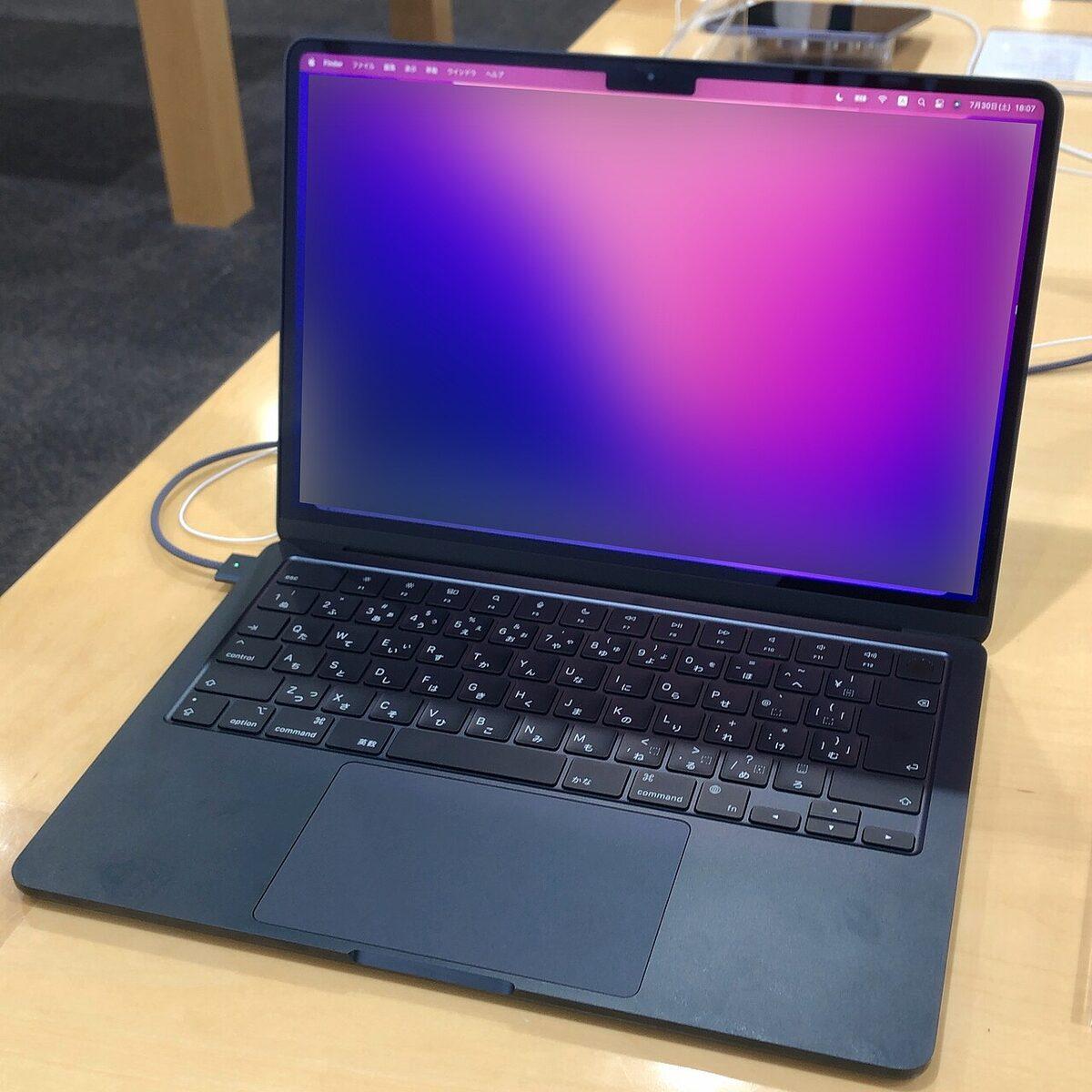
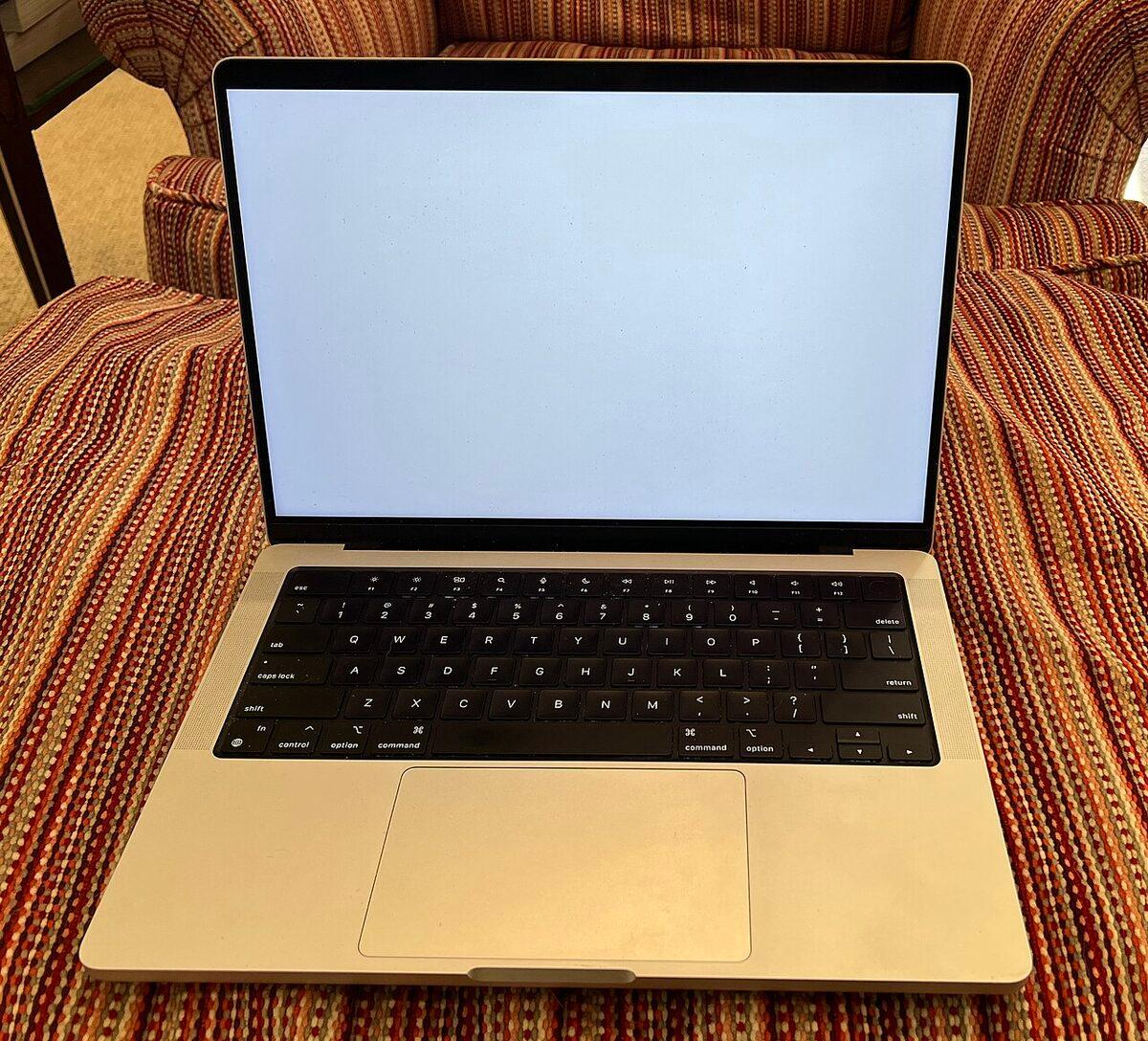
These suit different jobs. The MacBook Air M2 is the light, silent everyday Mac: about 1.24 kg, no fan and a 500-nit screen, ideal for study, office work and light creative work. The 14-inch MacBook Pro M1 Pro is a work machine: fans keep it fast under long loads, the mini-LED XDR screen runs at 120Hz, and it has HDMI, an SD slot, three Thunderbolt 4 ports and support for two external displays. If you edit video, run heavy builds or need two monitors, choose the Pro; otherwise the Air is the easier laptop to carry and own.
Choose the Apple MacBook Air (M2, 2022) if
- You want the lightest, silent Mac for study and office work
- Your heavy tasks are short; the Air throttles under long sustained loads
- One external display is enough
Choose the Apple MacBook Pro 14-inch (M1 Pro, 2021) if
- You edit video or photos, or run long builds, and need steady sustained performance
- You need two external displays (up to 6K), HDMI or an SD card slot
- You want the 120Hz mini-LED XDR screen and at least 16GB RAM with 512GB storage
What really differs
| Apple MacBook Air (M2, 2022) | Apple MacBook Pro 14-inch (M1 Pro, 2021) | |
|---|---|---|
| Cooling | Fanless and silent; about 30% multi-core drop in a long Cinebench loop (Notebookcheck) | Fans hold performance under long loads, also on battery |
| Screen | 13.6-inch 500-nit Liquid Retina | 14.2-inch Liquid Retina XDR mini-LED, 120Hz; about 500 nits in SDR, higher in HDR |
| External displays | One | Two, at up to 6K |
| Ports | Two Thunderbolt / USB 4, MagSafe 3, headphone jack | Three Thunderbolt 4, HDMI 2.0, SDXC, MagSafe 3, headphone jack |
| Base memory and storage | 8GB and 256GB (256GB uses a slower single-chip SSD) | 16GB and 512GB |
| Weight | About 1.24 kg | About 1.6 kg |
Specs side by side
| Apple MacBook Air (M2, 2022) | Apple MacBook Pro 14-inch (M1 Pro, 2021) | |
|---|---|---|
| Launched | 2022 | 2021 |
| Processor | Apple M2 | Apple M1 Pro |
| GPU | Integrated | Integrated |
| RAM | 8GB, 16GB, 24GB | 16GB, 32GB |
| Storage | 256GB, 512GB, 1TB, 2TB | 512GB, 1TB, 2TB |
| Easy to carry | Yes | Yes |
Filled dots are the options each model came in; open dots are other sizes found elsewhere in our catalogue.
52 models, coloured by type. The year is the model's launch year in our catalogue.
Used asking prices in Malaysia
- Full Apple MacBook Air (M2, 2022) buying guide
- Full Apple MacBook Pro 14-inch (M1 Pro, 2021) buying guide
Common questions
Should a student buy the MacBook Air M2 or the MacBook Pro 14 M1 Pro?
For most students, the Air: it is lighter, silent and has plenty of speed for notes, documents and coding. Choose the Pro if your course involves regular video editing or heavy creative software.
Can the MacBook Air M2 connect two monitors?
Not natively; Apple supports one external display on the M2 Air. The 14-inch MacBook Pro with M1 Pro supports two external displays at up to 6K.
Is the M1 Pro faster than the M2?
Under long loads, yes. The M1 Pro has more graphics cores and fans that keep it running at full speed, while the fanless M2 Air slows down after a few minutes of heavy work.
Which charger comes with the 14-inch MacBook Pro?
The base 8-core M1 Pro shipped with a 67W charger; the 10-core and M1 Max models came with a 96W charger, which supports fast charging.
Sources · Updated 2026-11-23
- support.apple.com/en-us/111867
- support.apple.com/en-us/102888
- support.apple.com/en-us/102541
- notebookcheck.net/Apple-MacBook-Air-M2-Entry-Review-A-very-good-but-too-expensiv
- macrumors.com/2022/07/14/m2-macbook-air-slower-ssd-base-model
- support.microsoft.com/en-us/windows/options-for-using-windows-11-with-mac-comput
- support.apple.com/en-us/111902
- notebookcheck.net/Apple-MacBook-Pro-14-2021-M1-Pro-Laptop-in-Review-How-much-Pro